
AI Applications
AI that answers from your own documents and links each answer to its source.
We connect AI applications and new software to the systems you already run, so they reach the right data under your access rules. Connections start read-only. Your systems of record stay in place.
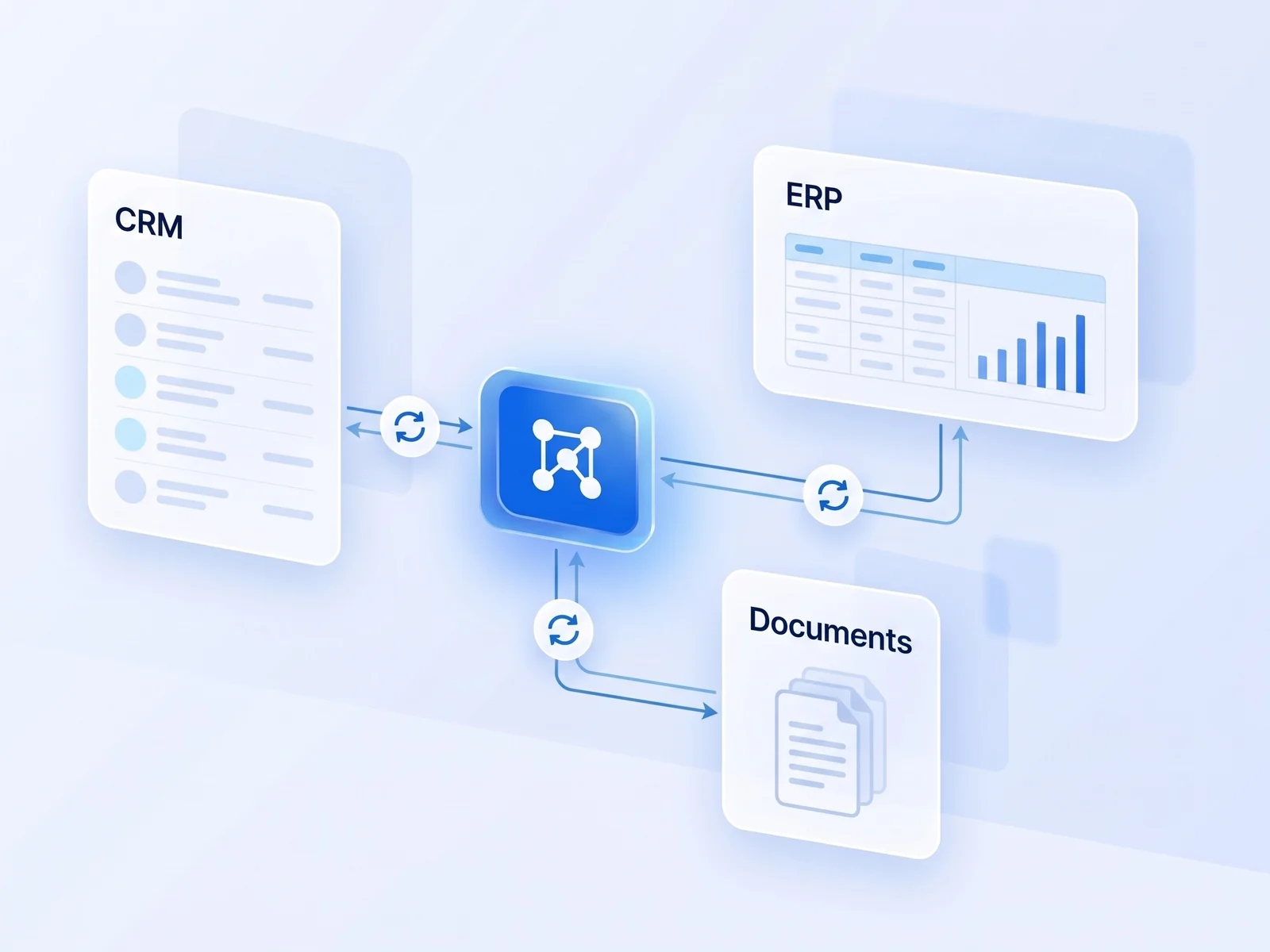
An AI application is only as useful as the data it can read and the actions it may take. We link your records system or ERP, document stores, sign-in, business applications and external feeds. Where a system has no API, we use controlled file exchange.
A new tool proves its value but cannot reach the data it needs.
We start read-only wherever possible, so the first connections cannot change your records.
We list each system’s owner, interfaces, formats and access rules, then agree each link’s purpose and the build order.
We build the key links against a test environment, then live data, and show data moving end to end.
We add agreed write-back, error handling, retries, logging and alerts, then document each interface.
We connect one source system to the tool that needs its data, read-only and under your access rules. Every call is logged, the connection is tested in a staging environment and we agree how failures are reported. The pilot ends with a connection your IT team has reviewed and a plan for the next ones.
We need the list of systems, an owner for each, the access rules that apply and interface documentation or a test environment.

AI that answers from your own documents and links each answer to its source.

One clean data model, so dashboards, search and AI show the same figures.

Modernize legacy systems step by step, each new part checked against the old one.
Often, yes: through agreed read access to its database, scheduled exports or file exchange. In Discovery we check which options the system owner and vendor support.
Only if you decide it should. Any write-back is limited to agreed actions, runs under defined permissions and is logged.
The Model Context Protocol is an open standard that lets AI assistants call tools and read data in a controlled way. You need it only if your staff use AI assistants.
For each system, note the data it holds. We will map the links and access rules, then propose the first connection.